

 Kaspersky Small Office Security
Award-winning small business antivirus. No IT team needed.
Kaspersky Small Office Security protects your team, devices, and business data - with award-winning security and no IT team required.
- Windows®
- macOS®
- Android™
KasperskySmall Office Security
Additional services:
 Password Managers
× 1 Premium VPN
× 1
*Introductory Pricing for New Customers
**Attention: The gift is included only in packages of 5 devices or more.
Solutions for small business
Trusted solutions for small business
Stay focused on growth. We’ll handle the security.

Kaspersky Small Office Security
Reliable protection for your business devices and data, helping safeguard against everyday cyber risks so small teams can work with confidence.

Kaspersky Small Office Security Premium
A Premium solution combining advanced threat protection, expert guidance, and human-risk defense to protect your business end to end.

Confidence built-in, from payment to protection
Protect your business confidently with secure checkout, instant access, and a 30-day money-back guarantee.

30-day money-back guarantee

Flexible licensing options for any team size

Secure checkout and immediate download
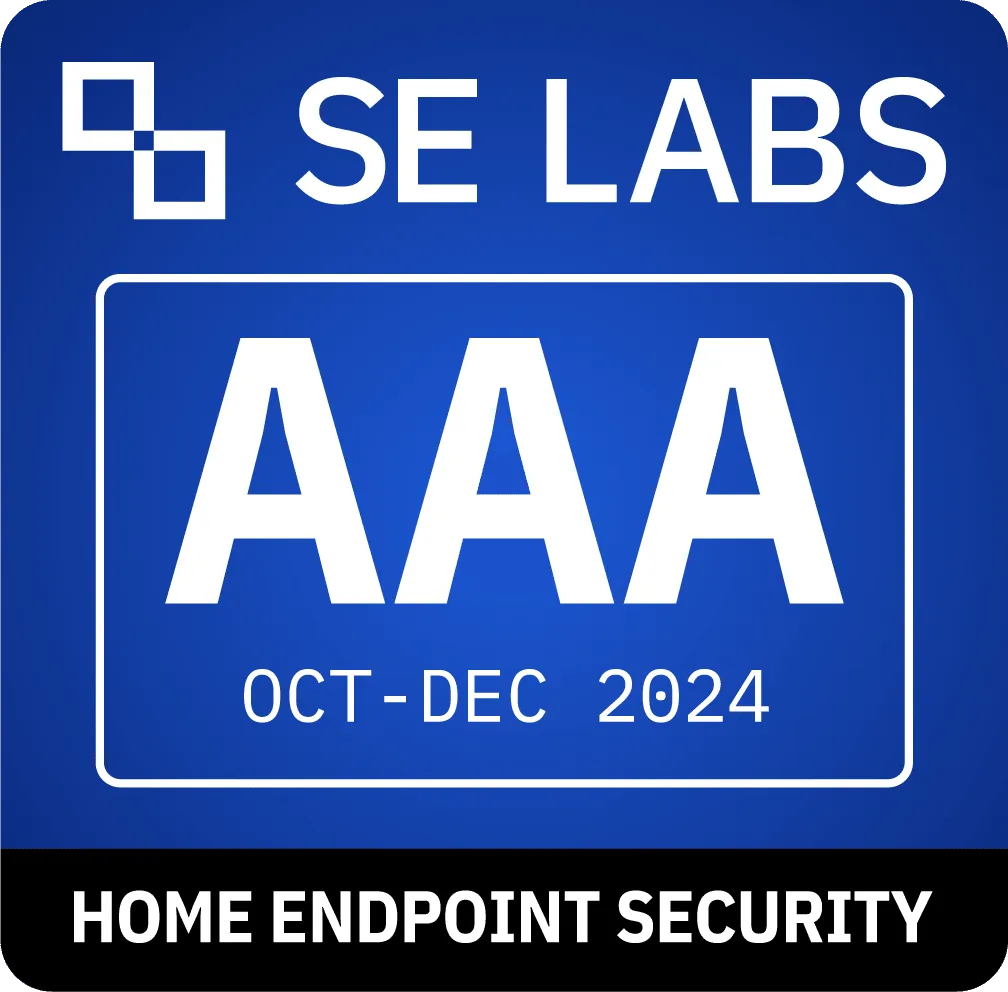
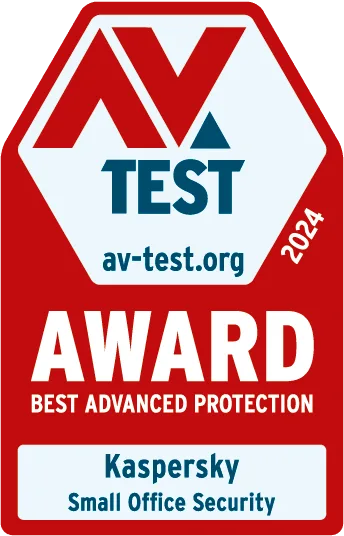
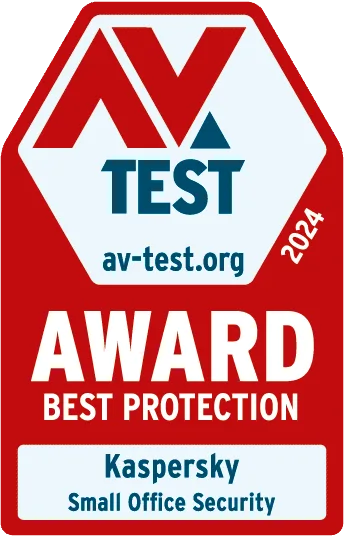
Independently tested. Proven protection.
Our award-winning cybersecurity for small businesses is trusted by clients and tested by experts all over the world.
Absolute protection from RealWorld threats
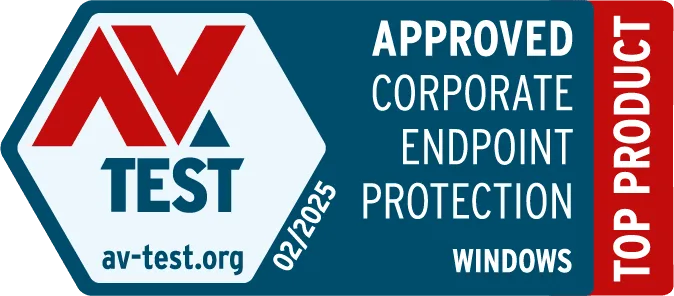
Absolute protection from cryptors
The best protection from advanced threats
The best protection from RealWorld threats
The best resistance to false positives
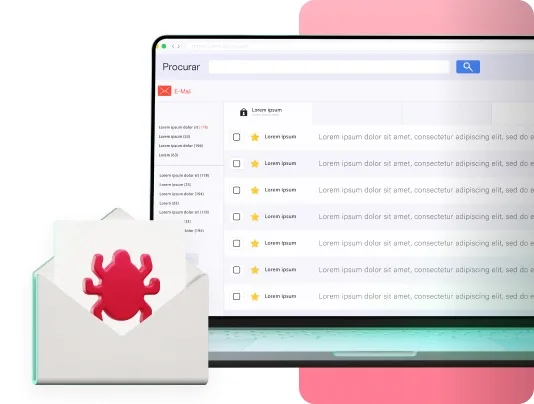
We take care of the threats. You take care of business.
A team member clicks a phishing link
We get it. Emails are tricky and everyone makes mistakes. That’s why our small business antivirus works behind the scenes to block phishing attempts before they do damage.
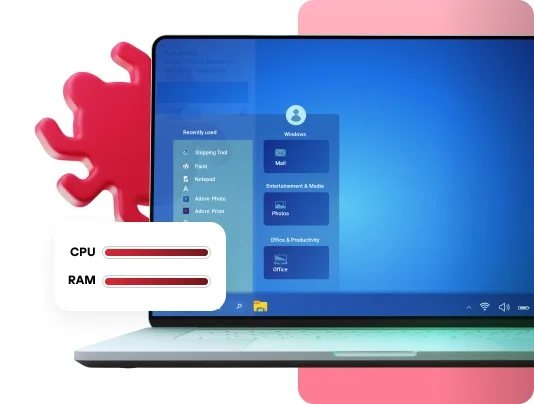
We take care of the threats. You take care of business.
Your screen’s frozen. A ransom appears.
We understand. Ransomware hits fast. We help you hit back by providing the best ransomware protection that works behind the scenes, 24/7 to keep your small business safe and running.
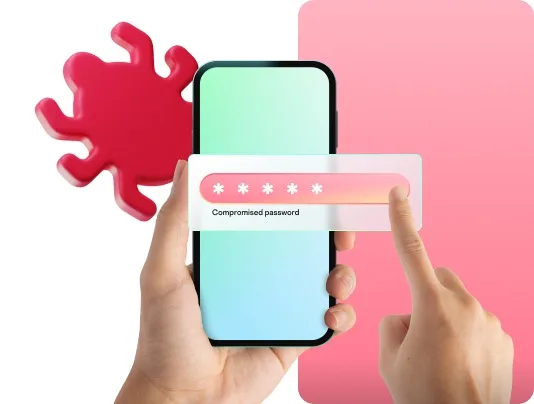
We take care of the threats. You take care of business.
A password “1234” seemed harmless, until it wasn’t
When you're doing it all, password safety can slip. That’s why Kaspersky Small Office Security includes password tools to help protect your business and team from day one.
Small businesses deserve big protection - without the big-business complexity.
Get all-in-one cybersecurity built for teams that don't have time for IT projects.
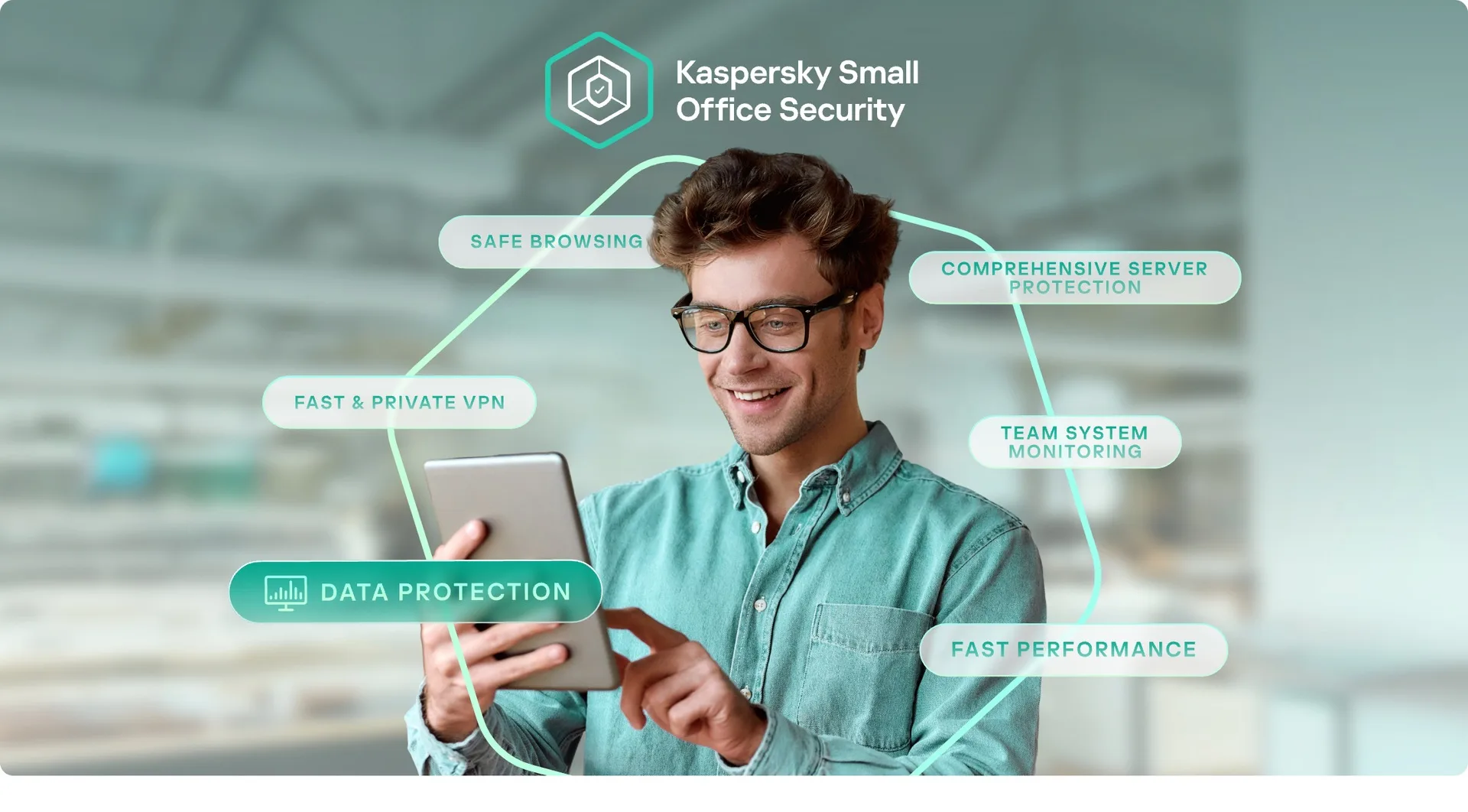

Maximum protection. Minimal overhead.
All-in-one antivirus, VPN, password manager, encryption and server protection - in one console. No extra hardware, no admin training, no IT team required.

Set up in minutes. Stay protected for good.
Protect your business in minutes across every team member and device. Manage it all from one simple dashboard.

Enterprise-grade security. Small business simplicity.
You get the same advanced protection trusted by larger businesses - without the complexity or cost of a big IT setup.
Everything your business needs - in one secure solution.

Block phishing links before they cause harm
Real-time link protection helps block fake sites and malicious downloads across every device.
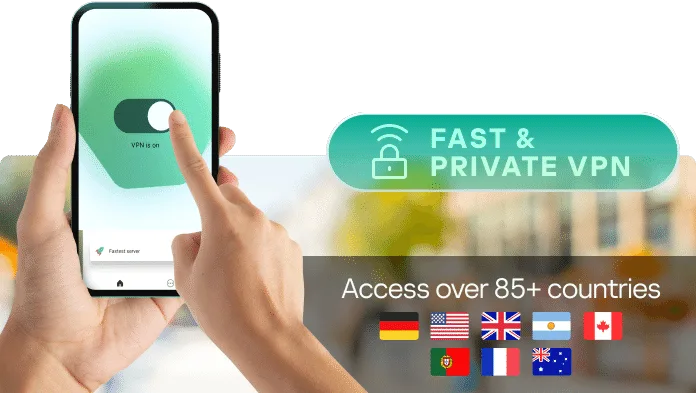
Secure work, anywhere.
Built-in private VPN encrypts connections wherever work happens - coffee shop, hotel Wi-Fi, home office, or customer site.

Your data, always protected
Even if files are deleted or a device goes missing, encrypted backups keep your business data secure and recoverable.

Comprehensive server protection
Protect websites, apps, and business data across up to 5 devices, including 1 file server, with advanced threat detection running 24/7.

Minimal impact on performance
Kaspersky Small Office Security works quietly and effectively in the background so your team can stay focused, fast, and productive.
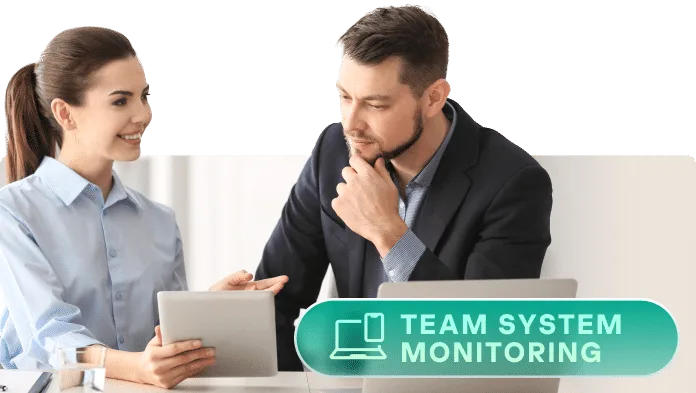
Every device. Every person. Covered.
Protect your whole team across desktop and mobile devices with one dashboard and one solution built for small businesses.
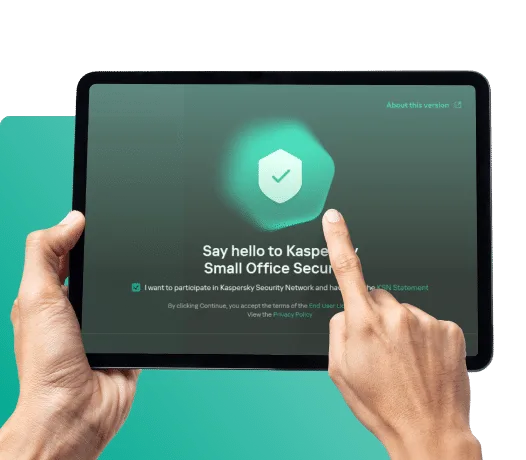
Click. Install. Protect. That’s it.
Roll out small-business antivirus across your team in minutes - no specialist knowledge needed.
- One invite link protects every team member.
- Works across Windows, macOS, Android.
- Manage security across your whole team from one cloud dashboard.
Built for small businesses like yours.
See what our 220,000+ customers say about Kaspersky Small Office Security
Best system security
Kaspersky Small Office Security ensures our company has the best security on our system and machines. It works in the background and flags any potentially damaging files automatically. It is also very easy to run an individual PC scan for threats or complete a full system scan depending on the user’s needs.
Great with performance
Kaspersky Small Office Security works well for our home with an office and server. Performance hit is pretty much not noticed. Virus and malware detection is good, never had a problem. Kids gaming machine has never been compromised or had a game falsely flagged. UI is very easy to use. Features are intuitive and simple to navigate.
Trust to run my business
I use Kaspersky for my business computers. The software seems to be effective and doesn’t bog down my computer memory. It provides timely and relevant notifications of any potential (and real) security issues. I trust it for running my business and for my personal tasks.
Upgrade to Kaspersky Small Office Security Premium
Take everything included in Kaspersky Small Office Security and enhance it with additional support and protection with Kaspersky Small Office Security Premium.
- Expert Installation SupportGet up and running quickly with guided setup from security experts. No IT team, no guesswork.
- Premium Priority SupportSkip the queues with faster responses and direct access to security specialists when it matters most.
- Expert Virus Check & RemovalRemove pre-existing infections with expert help before Kaspersky is installed on your business devices.
Get the right cybersecurity solutions for your business
Compare Kaspersky’s security plans for business to help you choose the right product for your needs

KasperskySmall Office Security
Basic features. No IT personnel needed.

KasperskySmall Office Security Premium
Provides core premium protection and trainings.

Kaspersky NextEDR Foundations
Provides core protection and controls for all your endpoints.
Basic protection
 Desktop licences included:× 1
 Mobile device licences included:× 1
 File server licences included:× 10
- Desktop licences included:× 1
- Mobile device licences included:× 1
- File server licences included:× 10
 Desktop or file server licenses included:× 1
- Mobile device licences included:× 2
Additional features
 Password Managers
 Premium VPN
- Password Managers
- Premium VPN
 Security Awareness
Manage protection
 IT Specialists
 Not requiredNot required
 Required
 Time to control
Features overview
 Anti-Virus Protection?
 Task optimisation?
 Digital hygiene tools?
 Endpoint management?
 Advanced capabilities?
 Premium VPNOffer?
 Centralized Management?
 Security AwarenessOffer?
 IT SupportOffer?
*Attention: The gift is included only in packages of 5 devices or more.
*Attention: The gift is included only in packages of 5 devices or more.
Already a Kaspersky customer?
Renew early to stay covered without interruption. Your team, devices and data deserve uninterrupted protection.
Maximise your potential with time-limited offer
Gain full access to our security awareness and phishing simulator tools with Kaspersky Small Office Security Premium. This time-limited offer ends on September 30, 2026. For details, see the product configuration in the FAQ below.
Frequently Asked Questions
Quick answers to the questions small business owners ask most about Kaspersky Small Office Security.
What is Kaspersky Small Office Security?
All-in-one cybersecurity built for small businesses. It protects desktops, mobile devices and file servers from viruses, ransomware, phishing and data theft - and bundles in our VPN, Safe Money checkout protection, and password manager. No IT team required.
What is Kaspersky Small Office Security Premium?
Kaspersky Small Office Security Premium delivers all the core protection of Kaspersky Small Office Security, with added expert installation support, priority access to specialists, and human-risk protection through Kaspersky Automated Security Awareness Platform.
What is the difference between Kaspersky Small Office Security and Kaspersky Small Office Security Premium?
Kaspersky Small Office Security has you covered with ransomware protection, vulnerability scans, and web control to keep your business safe.
With Kaspersky Small Office Security Premium, you get all that plus expert setup, priority IT support when you need it most, installation assistance, and employee training to help prevent human errors. It’s the ultimate package for peace of mind.
What is Premium Support?
Kaspersky Premium Support is an enhanced service plan that provides priority access to support technical support via chat and remote assistance, as well as professional virus and spyware removal, expert installation on up to three devices, and device Health Check to ensure optimal protection and performance.
What is Installation Support?
Kaspersky Installation Support is a remote service where experts handle error-free installation and setup of any Kaspersky application on up to three Windows or Mac devices, adjust the application settings based on customer's needs, provide feature overview, Q&A, and functionality confirmation.
How does Auto-Renewal work?
Auto-renewal will extend your license automatically without you needing to lift a finger. Before your subscription expires, you will be charged a renewal fee to keep your protection going*. We’ll remind you about the upcoming payment beforehand via email. You can cancel auto-renewal at any time – in which case you’ll need to renew your license manually.
* Renewal prices are subject to change. Additional online offers and discounts may be available at the time of your renewal, which cannot be applied to your subscription. We will send you at least one email reminder to notify you of this. You will also receive, by email, confirmation of the renewal price you will pay and the duration of your new subscription before it is automatically renewed. You may be required to upgrade to the latest version of Kaspersky for free at this time.
How many devices does Kaspersky Small Office Security cover?
Coverage scales with the licenses you buy. A 5-license pack covers 5 PCs or Macs, 5 mobile devices, and 1 file server - plus 5 installs of our VPN and Password Manager.
What threats does Kaspersky Small Office Security detect?
Real-time protection against malware, phishing, ransomware and zero-day attacks across every supported device - plus secure online banking, encrypted backups, and built-in password management.
Can I manage Kaspersky Small Office Security from a single console?
Yes. The KSOS Portal is one cloud dashboard for every device and user. Add or remove machines, push updates, review alerts, manage passwords and Safe Money settings - all in one place.
Is Kaspersky Small Office Security easy to install and use?
Yes - setup is a 4-step process: download the installer for your OS, follow the wizard, enter your activation code (or start the 30-day free trial), and sign in to the KSOS Portal. From there it runs quietly in the background - no IT experience needed.
Ready to protect your business?
Choose the best way to get started with Kaspersky Small Office Security.

Start a 30-day free trial
Test every feature on your devices with a 30-day free trial.
Try now
Find a Kaspersky partner
Connect with a Kaspersky partner for installation, setup, and ongoing support.
Search now
Talk to us
Tell us about your business and we’ll help you find the right product or partner.
Contact us
System Requirements
Operating System
- Windows®-based: Windows 11 / 10 / 8.1 / 8 / 7 SP1+
- Mac®: macOS® 14 or higher
- Mobile: Android™, iOS®
Technical Requirements
- Internet connection
- KSOS Portal account
Languages
- English